
Name|Adobe _Illustrator_v29.8.2 2025.dmg
Size|1.5 GB
Files|Adobe _Illustrator_v29.8.2 2025.dmg [1.5 GB]
Link|
Download Torrent
Adobe Illustrator 2025 v29.8.2 Multilingual macOS
Adobe Illustrator 2025 v29 for vector drawing, it includes all necessary tools for professionals. Adobe Illustrator for Vector graphics software lets you create logos, icons, drawings, typography, and illustrations for print, web, and more. The drawing program is a professional solution for designing professional vector-based illustrations for posters, business letters, business cards, brochures, websites, and menus. You can bundle and group up to 100 large drawings in a single Illustrator file.
Via a selection list, you can access the desired element directly. “Adobe Illustrator” reads all major formats such as EPS, FXG, PSD, TIFF, GIF, JPEG, SWF, SVG, DWG, or DXF. If you want to pass on your designs, “package files” offer themselves. Here, you summarize all required fonts and graphics in one folder. Alternatively, secure your print-sharing designs as multi-page PDF documents with Illustrator layers.
Iconic work at any size.
Get all the drawing tools you need to turn simple shapes and colors into sophisticated logos, icons, and graphics. Illustrator artwork is vector-based design software, so it can scale down for mobile screens and up to billboard size . and always look crisp and beautiful.
Gorgeous typography that says it all.
Incorporate a company name into a logo, create a flyer, or mock up a website design with the best type tools out there. Add effects, manage styles, and edit individual characters to create typographic designs that perfectly express your messages.
Draw attention everywhere.
Create freehand drawings, or trace and recolor graphics to turn them into works of art. Use your illustrations anywhere, including printed pieces, presentations, websites, blogs, and social media.
Pro power comes standard.
Illustrator launches, saves, and renders effects faster than ever before. Reuse your vector graphics and quickly access unlimited fonts. Work seamlessly with other Creative Cloud apps like Photoshop, InDesign, XD, and Premiere Pro. Your graphics, styles, and text are stored in the cloud, so they.re always up to date and at your fingertips.
Features
- Vector graphics editing: Illustrator specializes in vector graphics, allowing users to create images that can be resized without losing quality.
- Live shape enhancement: Users can easily modify shapes with a simplified bounding box interface. Polygons retain their properties even after modification, and new options allow for equal-length edges.
- Symbols can share a master shape while allowing individual modifications to the look, such as strokes and fills, without breaking the link to the original symbol.
- Multiple artboards: Illustrator supports up to 100 artboards of various sizes, allowing users to organize and manage multiple designs in a single document.
- Improved Creative Cloud Libraries: Improved integration with Creative Cloud Libraries provides better collaboration tools and deeper integration with Adobe Stock.
- Enhanced Smart Guides help users align and space objects precisely without using the joystick or modifiers, making the design process more intuitive.
- Shaper tool: This tool allows users to transform convert freehand gestures into precise geometric shapes that can then be edited like regular shapes—combining, deleting, filling, or transforming.
- Advanced text tools: Illustrator offers powerful text editing capabilities, including the ability to add text to paths, manage character styles, and format paragraphs efficiently.
- Image Trace: The Image Trace feature converts raster images into vector graphics with customizable settings for fidelity and color management, dramatically improving the quality of traced images.
- Integration with other Adobe products: Illustrator works seamlessly with other Adobe applications like Photoshop and InDesign, enabling a smooth workflow across different types of design projects
What’s New:
Language: Multilangual
Compatibility: macOS v10.15 or later, Intel or Apple silicon
Homepage https://www.adobe.com/
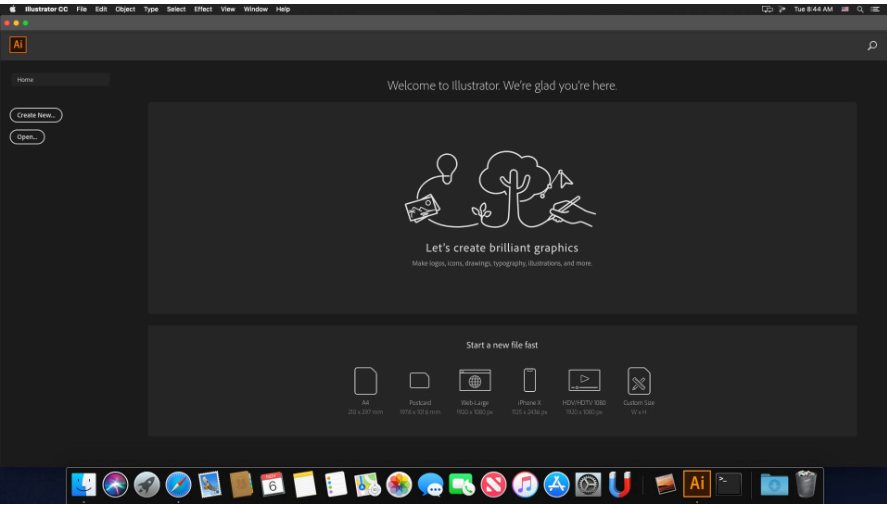
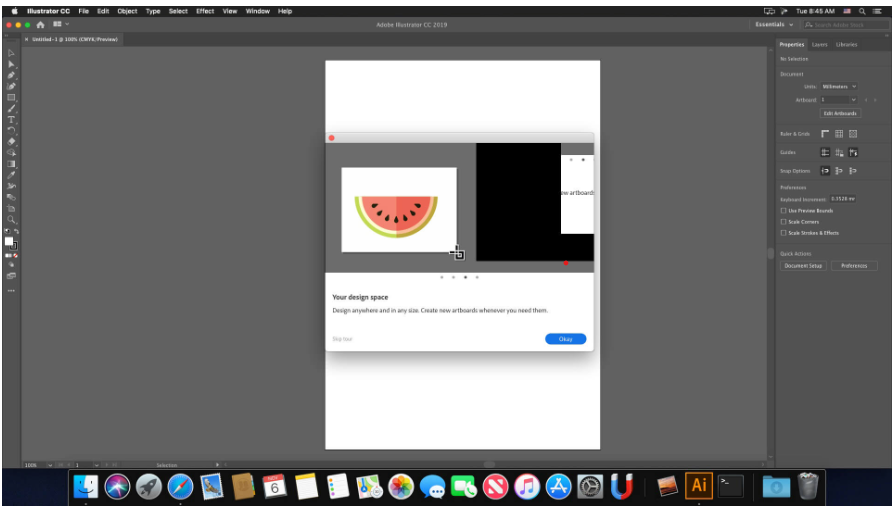
Screenshots
Leave a Reply